


A common thing that all legal teams deal with is a constantly growing queue of legal requests, contracts, and compliance tasks. But this comes with slow cycle times, manual errors, and employee burnout.
It’s easy to assume these inefficiencies are just part of the job, but have you ever stopped to ask: Where is my team actually losing the most time?
That’s exactly what a legal workflow audit helps you uncover. Think of it like a health check for your processes: pinpointing bottlenecks, identifying repetitive tasks, and highlighting areas where automation could take tedious work off your plate.
In this guide, we will break down exactly how to audit your legal workflows, what to look for, where the biggest time drains usually occur, and how workflow automation can help.
Why Do Legal Teams Need a Workflow Audit?
Legal work is fast-paced, but that doesn’t mean it should feel chaotic. And most legal teams think they just need more hours in a day…but that’s not true.
They need better systems. And that starts with auditing what’s working, what’s not, and where automation can make the biggest difference.
A workflow audit helps you step back and see where work is getting stuck, what’s taking up the most time, and how automation can help. By identifying and fixing inefficiencies, legal teams can:
-
Reduce time spent on manual tasks like intake, tracking, and approvals,
-
Improve visibility by creating a single source of truth for all legal work, and
-
Demonstrate legal’s impact with data-driven insights that matter to leadership.
Legal Workflow Audit Checklist
A workflow audit helps you find the biggest time-wasters in your legal operations. Go through the checklist below and mark the areas where your team struggles the most. This will help you identify where work is getting stuck and where automation could help.
Legal Workflow Audit Checklist
Use this checklist to evaluate how well your legal team is managing intake, matters, contracts, compliance, and reporting, and identify opportunities for automation and improvement.
Where Automation Can Deliver the Biggest Time Savings
Now that you’ve identified your team’s biggest bottlenecks, the next step is figuring out and understanding where automation can help the most.
A. Automating Legal Intake and Request Triage
-
Use a centralized intake system instead of managing requests through email, Slack, and verbal asks.
-
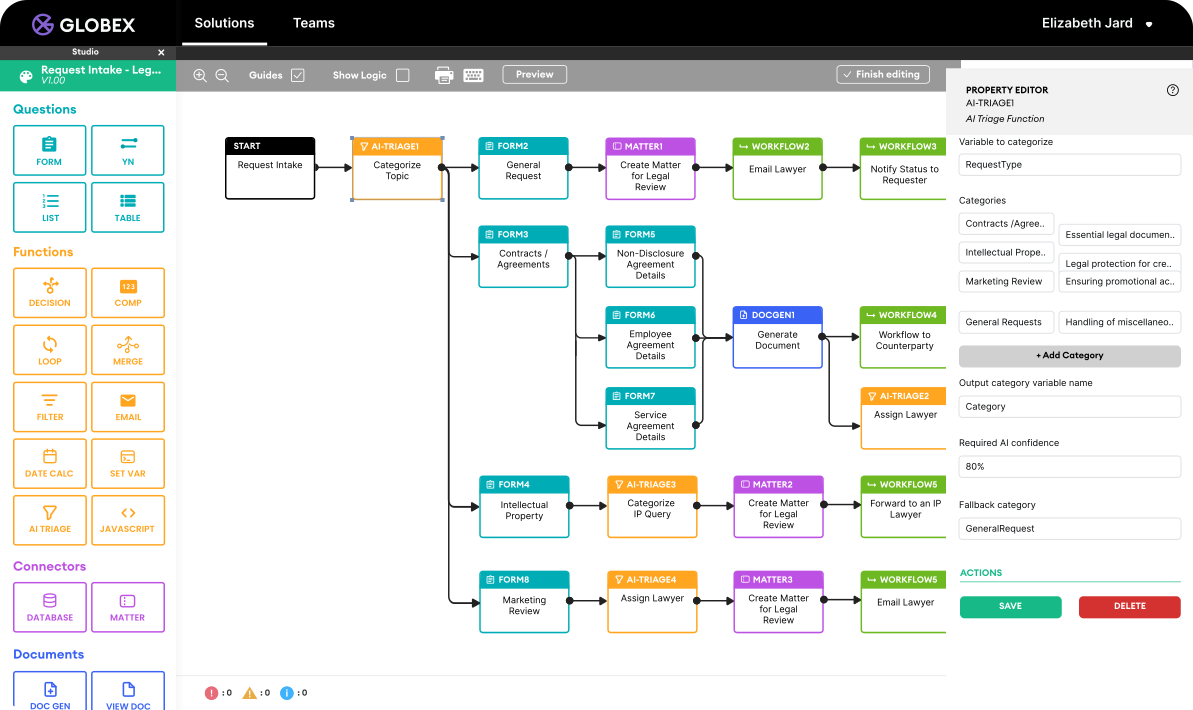
Implement AI-powered triage to categorize requests based on type, urgency, and business unit.
-
Set up self-service tools for common legal questions, reducing interruptions and back-and-forth.
Time Saved
Time saved
Fewer emails, faster response times, and less time spent sorting through requests.
B. Streamlining Matter Management with a Single Source of Truth
-
Store all legal matters in one platform so the team can track status in real time.
-
Automate task assignments to ensure work moves forward without manual follow-ups.
-
Enable self-serve status updates for business teams so they don’t need to ask legal for updates.
Time Saved
Time saved
Less time spent tracking down information, fewer status update requests, and faster collaboration.
C. Accelerating Contract Review and Approvals
-
Use AI-assisted contract review to flag key clauses and standardize redlining.
-
Leverage approval workflows to move contracts through the right stakeholders without delays.
-
Integrate e-signature solutions to eliminate the waiting game for matters that don’t require wet signatures.
Time Saved
Time saved
Faster contract turnaround times and fewer approval bottlenecks.
D. Enhancing Compliance and Risk Mitigation
-
Automate compliance checklists to ensure tasks don’t slip through the cracks.
-
Set up rule-based alerts for regulatory deadlines and policy updates.
-
Use dashboards to track risk exposure and proactively address issues.
Time Saved
Time saved
Less manual tracking and fewer last-minute compliance scrambles.
E. Simplifying Reporting and Performance Tracking
-
Automate report generation to provide real-time insights on legal workload.
-
Use dashboards to track key metrics like request volume, resolution times, and contract cycles.
-
Provide data-driven reports that showcase legal’s impact without hours of manual work.
Time Saved
Time saved
No more scrambling to compile data for leadership as reports are always ready.
Implementing Your Legal Workflow Automation Strategy
Once you’ve identified where workflow automation can save the most time, the next step is putting it into action. The key is to focus on quick wins first—the areas where automation will have the biggest impact with minimal disruption. Here’s how to get started:
Where Should Legal Teams Start with Automation?
-
Start with the most time-consuming manual tasks, like request intake and contract approvals.
-
Focus on bottlenecks that affect multiple stakeholders, such as slow response times or unclear workflows.
-
Look for areas where automation can reduce back-and-forth communication, like self-service portals for common legal requests.
How Do You Choose the Best Automation Tool for Legal?
-
Look for no-code legal workflow software that legal teams can manage without IT.
-
Ensure the tool integrates with existing systems like Slack, Microsoft Teams, Salesforce, and DocuSign.
-
Prioritize solutions that provide customization so workflows match your team’s needs.
How Can You Measure Legal Automation ROI?
-
Track what metrics are commonly tracked in a legal department like time saved, request resolution speed, and contract turnaround time.
-
Gather feedback from legal and business teams to fine-tune automated processes.
-
Regularly audit workflows to identify new areas for improvement.
By pinpointing bottlenecks and introducing automation where it matters most, legal teams can reduce manual work, improve visibility, and spend more time on high-value legal strategy.
Platforms like Checkbox make this process easy by providing a single source of truth for intake, matter management, and reporting—all in an easy-to-use, no-code system built for legal teams.
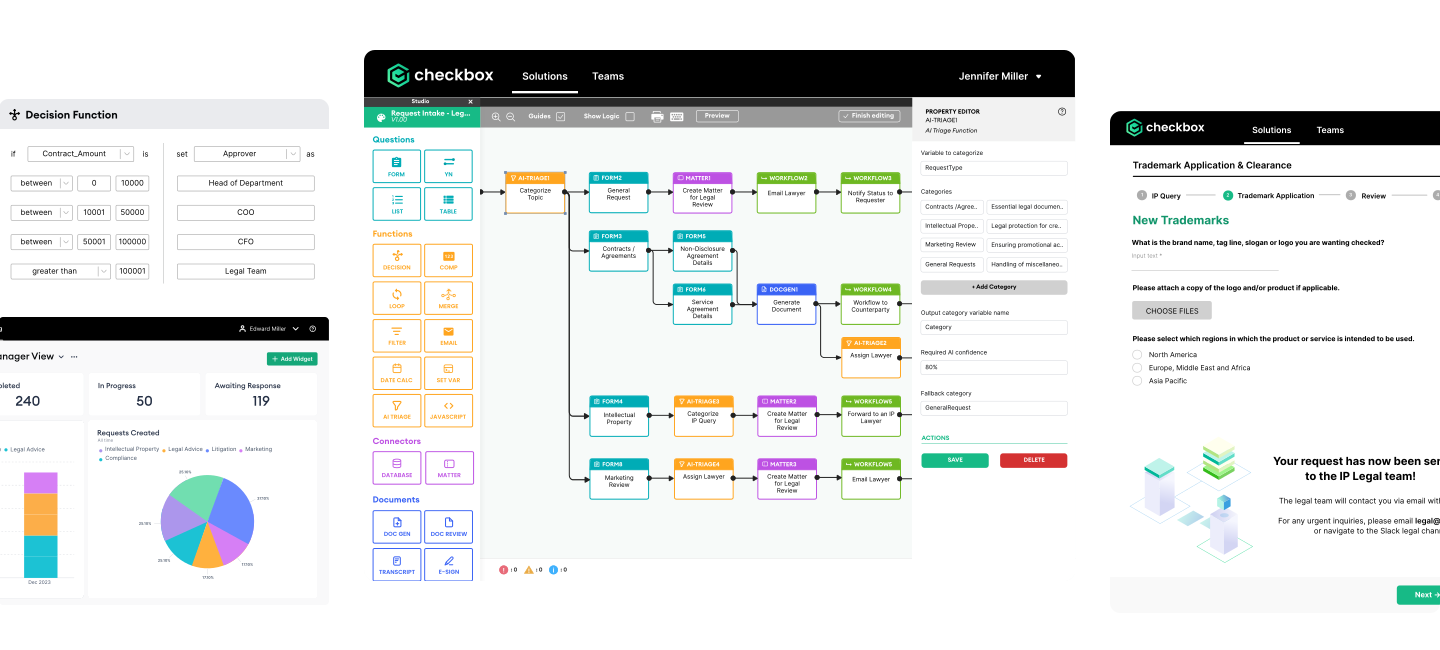
Checkbox streamlines intake, approvals, and matter management, all in one platform. Book a demo to see the legal workflow automation solution built for modern in-house teams.


